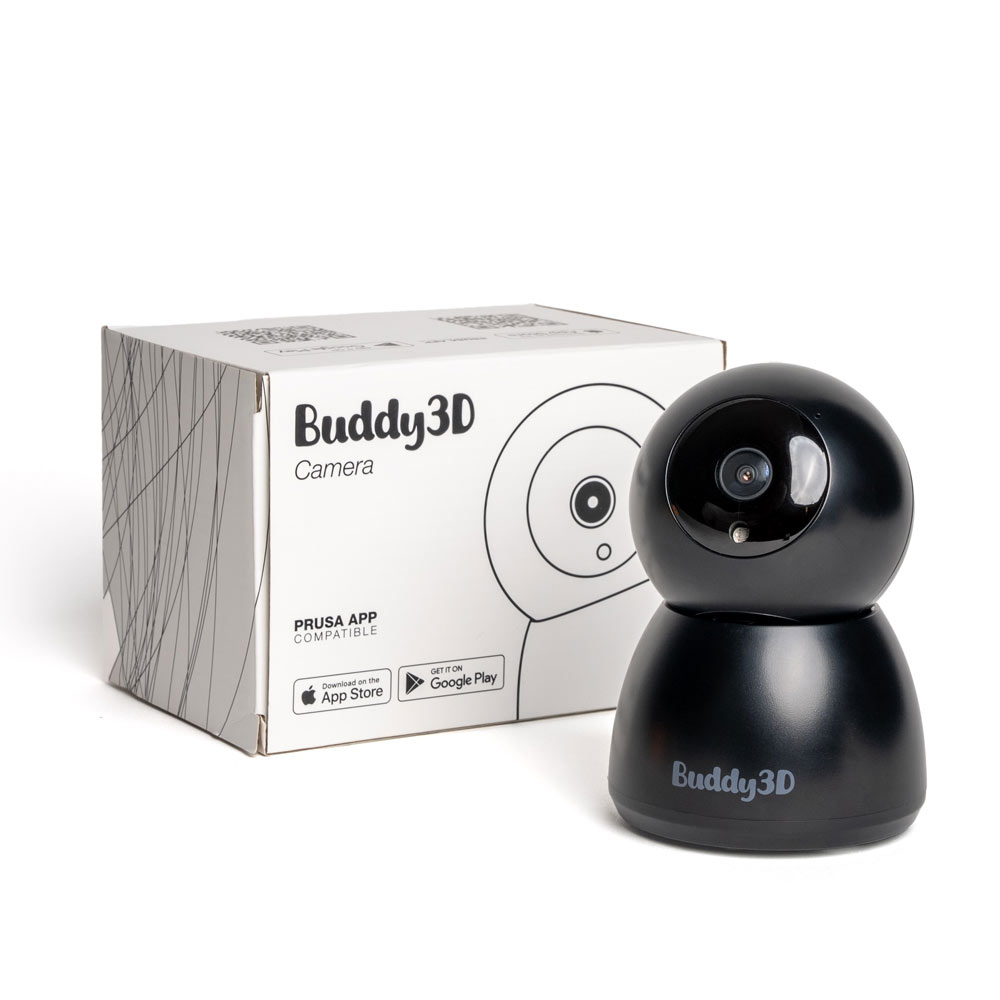
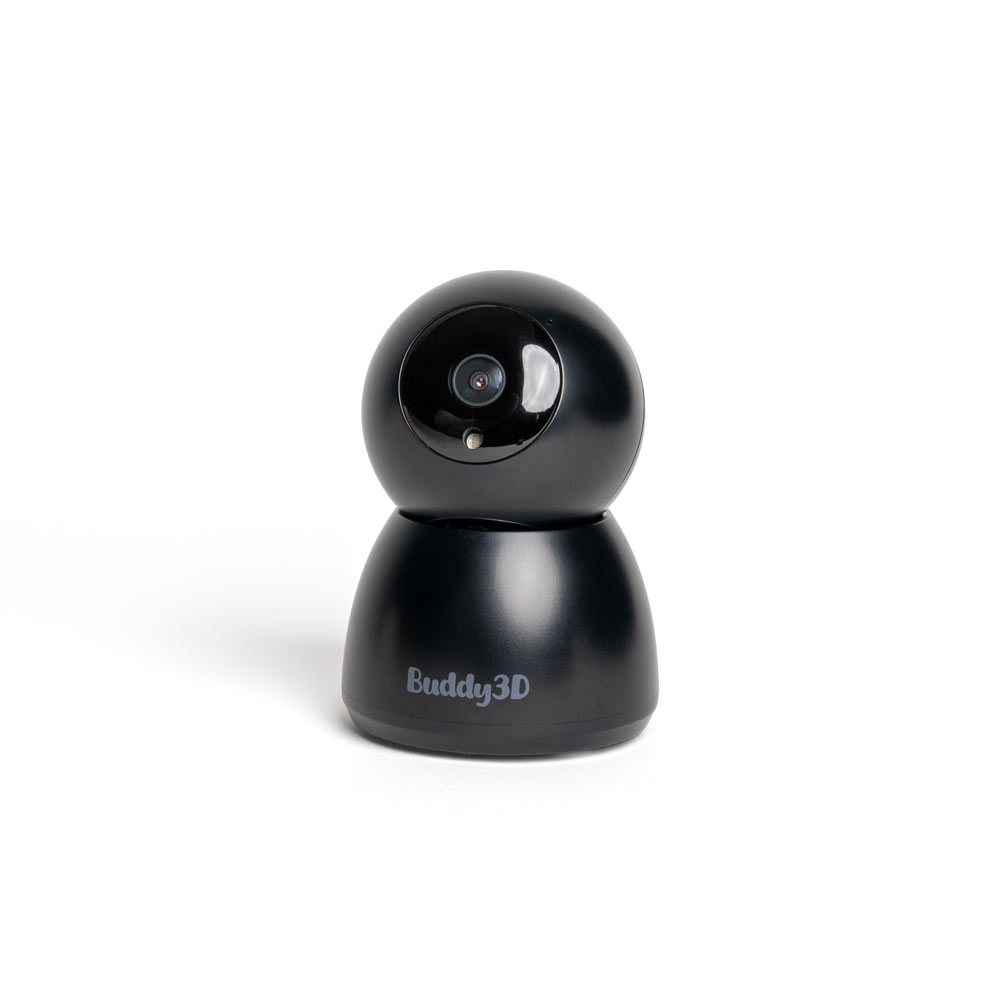
Buddy3D Camera
Buddy3D camera allows you to remotely monitor your prints via Prusa Connect and the Prusa mobile app, thanks to seamless integration enabled by custom-made firmware.
- Manufacturer: Prusa
- Manufacturer number: B3D-CAM-NBB
- EAN: 8594173672970
- Item number: 37575
- Availability: Delivery time about 4 weeks

Key features
- High-quality optics and IR illumination
- Timelapse support
- Stream video over local network
- Fully integrated with Prusa Connect
- Designed for the enclosure (up to 65 °C)
- Runs our custom firmware for 100% security
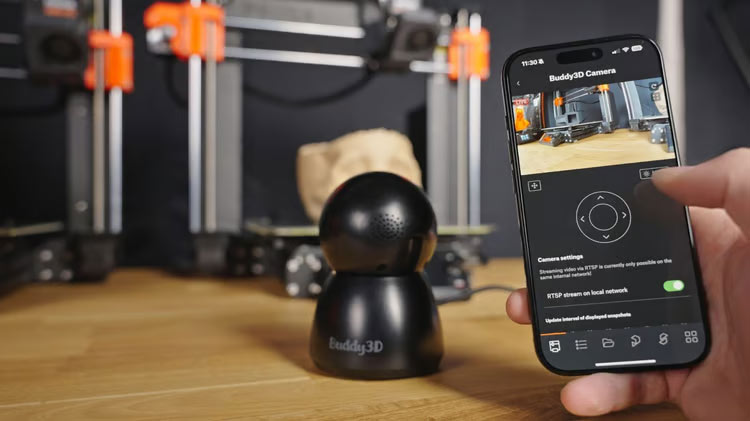
The Buddy3D camera features high-quality optics and IR illumination, allowing you to monitor your printer (or printers) even in complete darkness. The camera is motorized and you can control the horizontal and vertical rotation (180° and 45° respectively) remotely in the Prusa App.
TIMELAPSE SUPPORT
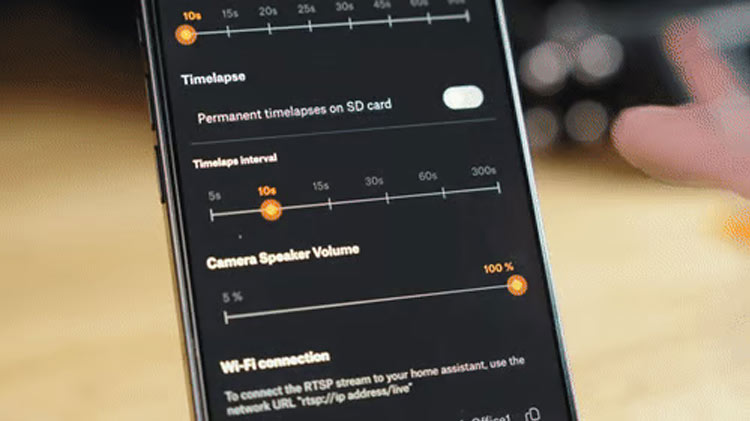
With the Prusa App, you can also capture high-quality photos of your prints for timelapse purposes. Simply set the trigger interval in the app, ranging from 5 to 300 seconds, and the camera will save a sequence of individual photos to an SD card (not included). To create a final timelapse video, brief editing in an external video editing app is currently required. The next firmware update will allow you to download timelapse videos directly from Prusa app.
FOR 24/7 OPERATION
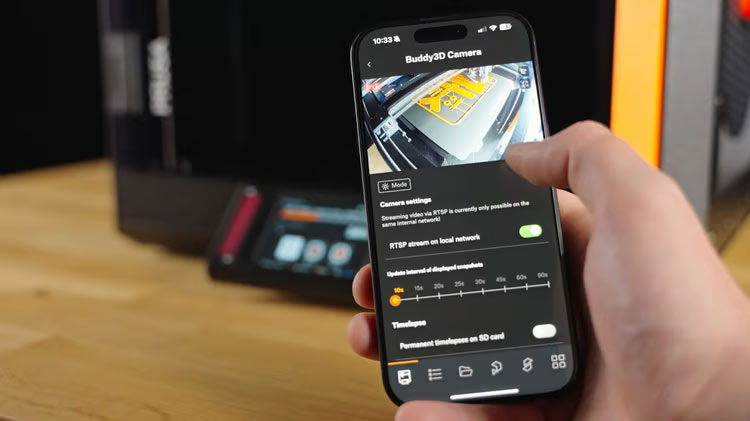
The camera offers 3 modes: Day, Night, and Auto. While the Day and Night modes are self-explanatory, the Auto mode automatically switches between them based on the room's lighting conditions – ideal for workplaces with 24/7 operation. The camera is designed to operate in temperatures up to 65°C, making it safe to place directly in the enclosure.
If your printer is located in another room, you can stream video over your local area network directly to your Prusa App. We plan to expand this functionality to support full online streaming in an upcoming update. The camera’s firmware is updated over-the-air, ensuring you always have the latest features available.
SIMPLE TO USE
To pair your camera with the printer, open Prusa Connect or Prusa App, select the printer to pair the camera with, and show the generated QR code to the camera to connect it to your Wi-Fi.
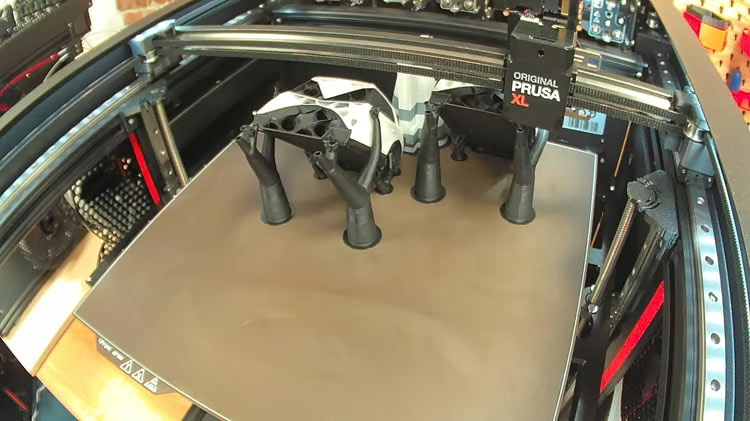
Sample snapshot from the camera:
FOCUSED ON MAXIMUM SECURITY
The camera is produced by a third-party company, however, the entire process was under the strict supervision of Prusa. This includes the firmware, which was thoroughly customized and tested. Your security is our priority, so in addition to modifying and reviewing the firmware, we subjected the camera to extensive network testing and monitoring. All communication is strictly limited to interactions between the camera and the Prusa secure network infrastructure.
The camera is only compatible with Prusa Connect and Prusa App.
- Resolution
1920 x 1080 - Input
5 VDC 1 A - Connectivity
Wi-Fi 2,4 GHz - USB-A to USB-C Kabel
100 cm
- Buddy3D-Kamera (1 St.)
- USB-A-zu-USB-C-Kabel (1 St.)
- Benutzerhandbuch (in 8 Sprachen)
Eine SD-Karte ist nicht im Lieferumfang enthalten.
- Manufacturer
- Prusa Research a.s.
- Partyzánská 188/7A, 17000 Prag 7, Czech Republic
- info@prusa3d.com